






Play Magic Tiles 3 by tapping falling piano tiles in rhythm, avoiding missed notes, and chasing cleaner runs through each song.

Here's a quick look at the game:
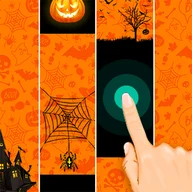
Magic Tiles 3 is a rhythm piano game where you tap black tiles as they fall down the screen. Each correct tap plays part of the song, and one missed tile can stop the music.
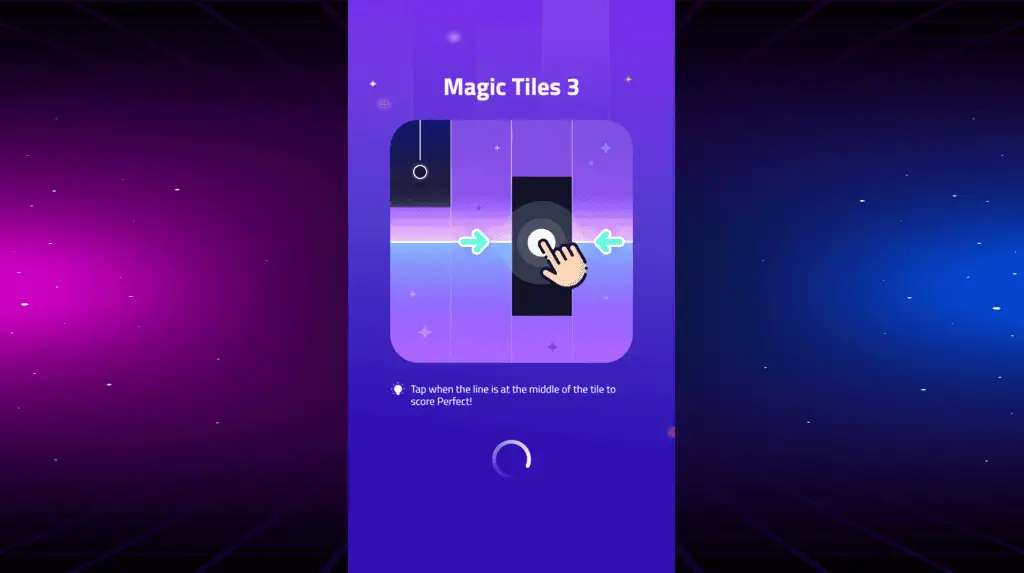
The game is simple to understand but hard to master: keep your eyes ahead, follow the beat, and stay calm when the tile speed increases.
What You Do in the Game
Your goal is to tap every black tile at the right time while avoiding empty spaces or wrong taps. Songs start at a manageable pace, then become faster as the pattern gets denser.
The challenge comes from timing, focus, and finger control. Some tiles are single taps, while others may require quick repeated taps or longer holds depending on the song pattern.
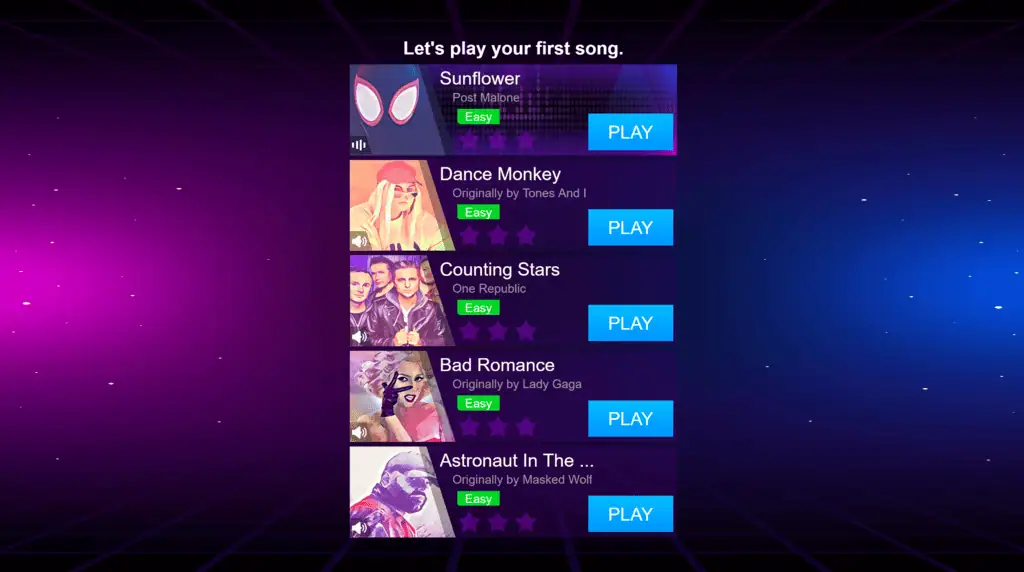
Magic Tiles 3 includes many music styles, including pop, EDM, jazz, instrumental, and piano-style tracks.
How to Play
Watch the lanes carefully and tap the black tiles before they pass the bottom line. Try not to stare only at your fingers. Looking slightly ahead helps you prepare for fast patterns.
When the song speeds up, do not tap randomly. Most mistakes happen when players panic and hit early. Stay with the rhythm and let the music guide your timing.
For longer songs, consistency matters more than speed. A clean run with fewer rushed taps usually performs better than a frantic run.
Controls
| Action | Control |
|---|---|
| Tap tile | Mouse click or screen tap |
| Hold tile | Press and hold |
| Release hold tile | Lift finger or release mouse |
| Restart / menu | On-screen buttons |
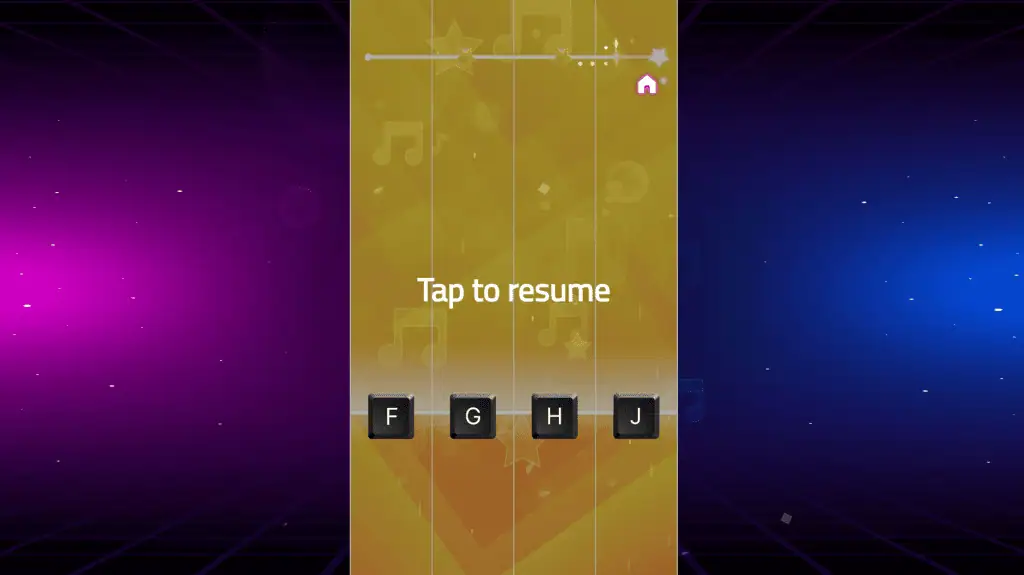
On mobile, Magic Tiles 3 is mainly played with your thumbs or index fingers. On desktop browser versions, you usually use the mouse or touchpad.
Tips for Better Runs
- Look ahead, not directly at the tile you are tapping.
- Use two fingers when patterns switch quickly between lanes.
- Keep your hands relaxed; tense fingers make fast songs harder.
- Learn the song rhythm instead of reacting only to the visuals.
- Start with easier songs before trying faster tracks.
- For hold tiles, release cleanly instead of dragging too far.
Why Players Keep Playing
Magic Tiles 3 works well because every song gives quick feedback. When you hit the notes correctly, the music sounds smooth; when you miss, you know exactly where your timing failed.
It is a good choice if you enjoy short rhythm challenges, piano tile games, reaction tests, or music games that are easy to start without learning complex controls.