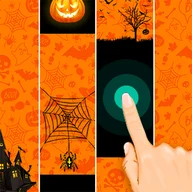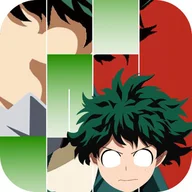



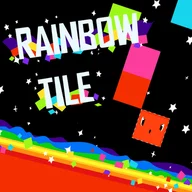


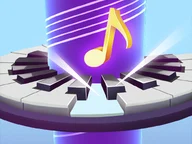
Play Piano Online by tapping rhythm tiles in time with the music. Choose a song, keep the beat, and avoid missed notes.

Here's a quick look at the game:
Piano Online is a browser music game where you play songs by tapping the correct tiles at the right time. Instead of playing a full piano keyboard, you follow the falling prompts and try to keep the melody going without missing notes.
What You Do in the Game
Choose a song, start the track, and watch for the tiles that appear on the screen. Each correct tap plays part of the music. If you miss a tile or press the wrong area, the song can end early.
The challenge is simple: stay focused, follow the rhythm, and react quickly enough as the song speeds up or becomes denser.
How to Play
Watch the incoming tiles instead of tapping randomly. Most songs start at a manageable pace, then become harder as more notes appear close together.
Your score depends on how accurately you hit the notes. Clean runs feel smoother because the melody continues without breaks.
Controls
| Action | Control |
|---|---|
| Hit a tile | Mouse click or tap |
| Select song | Mouse click or tap |
Tips for Better Runs
- Keep your eyes near the lower hit area, not the top of the screen.
- Listen to the beat; the music often warns you before a fast pattern.
- Restart the same song a few times to learn its rhythm.
- Do not tap too early. Wait until the tile reaches the correct zone.
- Use a touchscreen if mouse movement feels too slow.
Why Players Keep Playing
Piano Online works well for short rhythm sessions. You can pick a song, play for a minute, and immediately try again for a cleaner score. The appeal comes from improving your timing little by little until a song that felt too fast starts to feel playable.